
Check-in
Procedure for Online Check-in and Procedure for Standby
Online Check-in

You are able to check in online 24 hours up to 20 minutes before your scheduled departure from your home or on your way.
Go to the Solaseed Air website to check in online and issue your boarding pass.
Boarding pass (the 2D barcode) can be obtained through the Solaseed Air website (PC and smartphone) and through our Email Notification Service.
To check in online, your reservation information (boarding date, flight number, passenger name) and confirmation number are required.
Standby at Airport
Application for the standby list
You can check the number of people on the standby list and standby status below:
Standby check-in
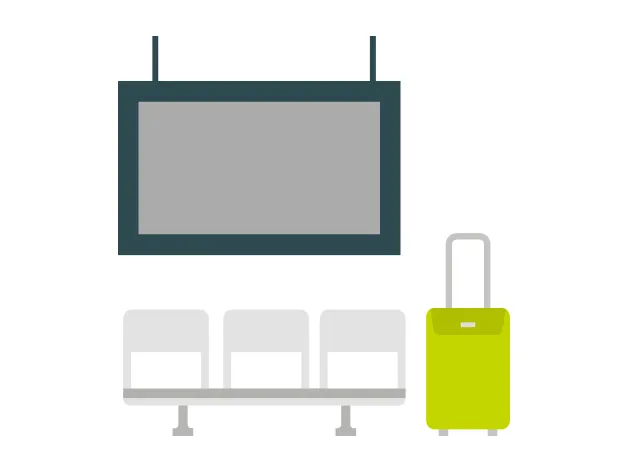
Digital signage set near the boarding gate shows
the first 3 letters of the name and standby
number of the customers whose seat becomes
available. The names and numbers will be shown
by flight.
If the letters of your name and your standby number
are displayed, undergo the standby check-in on the
Solaseed Air website.
Procedure for Online Check-in and Procedure for Standby
Online Check-in
You are able to check in online 24 hours up to 20 minutes before your scheduled departure from your home or on your way.
Go to the Solaseed Air website to check in online and issue your boarding pass.
Boarding pass (the 2D barcode) can be obtained through the Solaseed Air website (PC and smartphone) and through our Email Notification Service.
To check in, you will need your "reservation number, first name, and last name," or your "e-ticket number, first name, and last name."
Standby at Airport
Application for the standby list
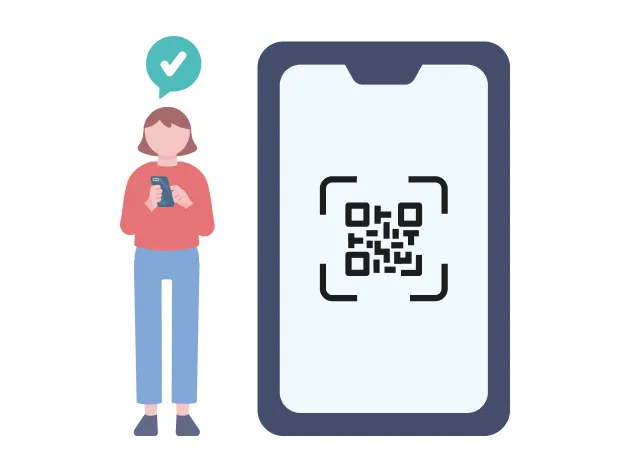
Application for the standby list is available from 0:00 a.m. on the day of scheduled boarding.
Proceed from the "application for standby list"
button below.
On the "application for standby list" screen, select
all the flights you wish to be included in the standby
list.
In the case of the open ticket, which is purchased
without reservation of the flight, airport standby
ticket (2D barcode) is issued after completion of
application for the standby list.
You can check the number of people on the standby list and standby status below:
Standby check-in
Digital signage set near the boarding gate shows
the first 3 letters of the name and standby
number of the customers whose seat becomes
available. The names and numbers will be shown
by flight.
If the letters of your name and your standby number
are displayed, undergo the standby check-in on the
Solaseed Air website.