
How to Change Your Seat After Online Check-in
How to Reserve Your Seats
STEP1

STEP2
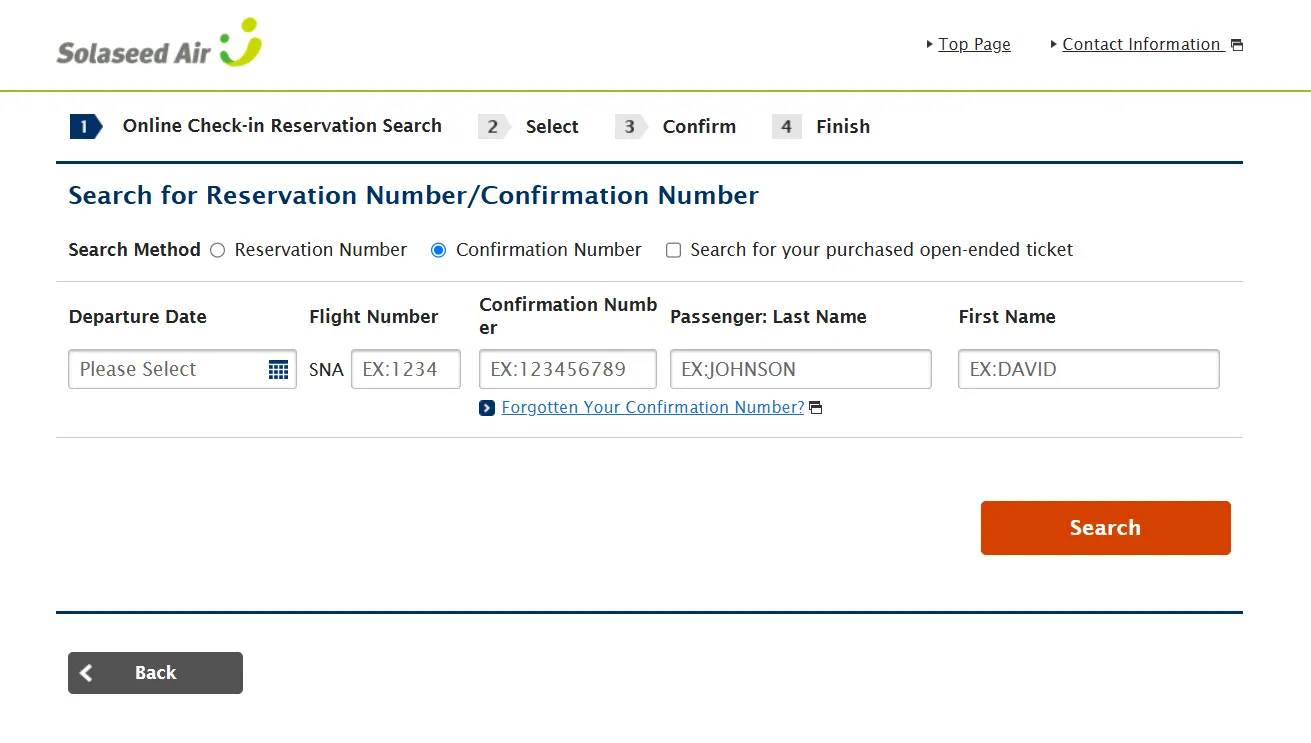
Click (tap) "Check-in online".
STEP3
STEP4
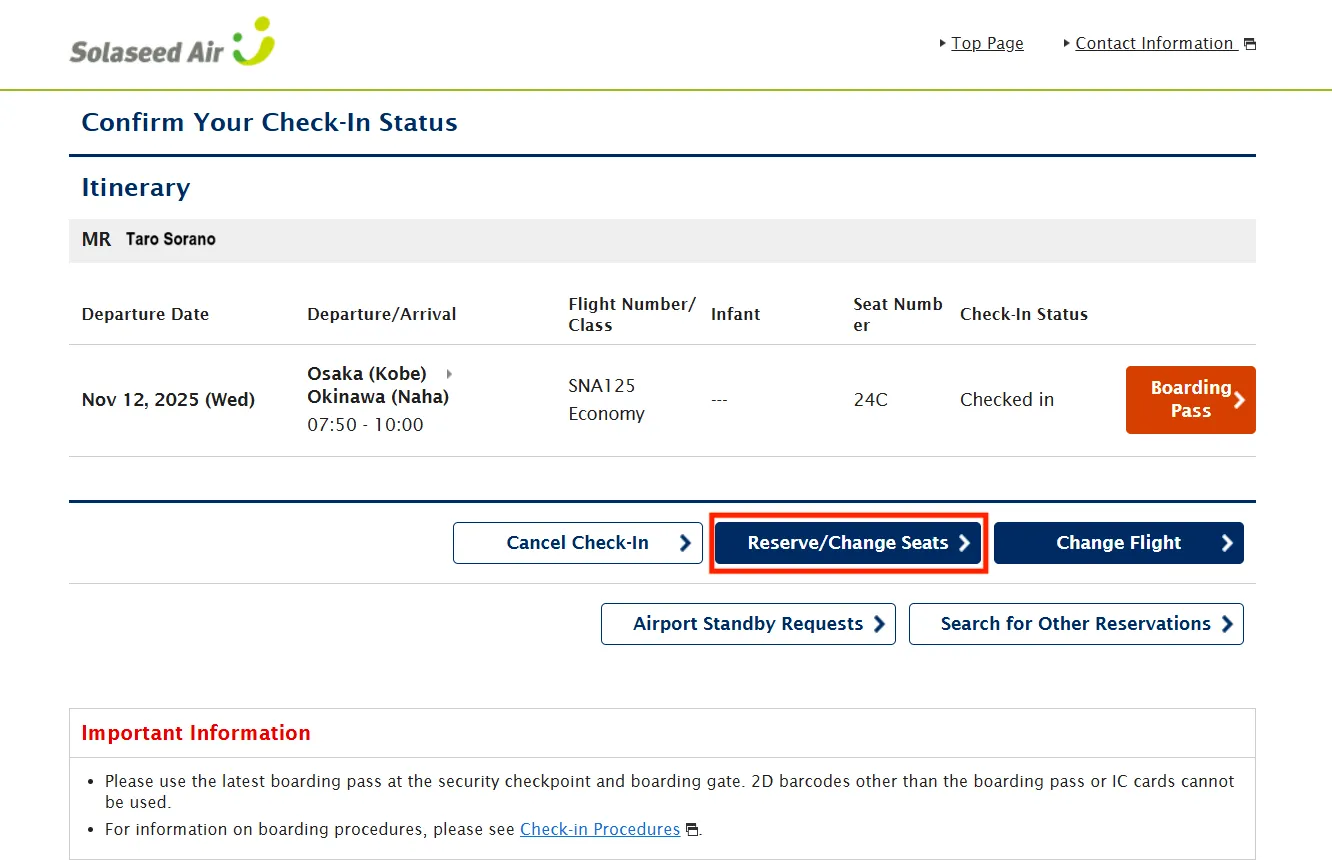
Your itinerary that was checked in online is displayed.Click (tap) "Reserve/Change Seats".
STEP5
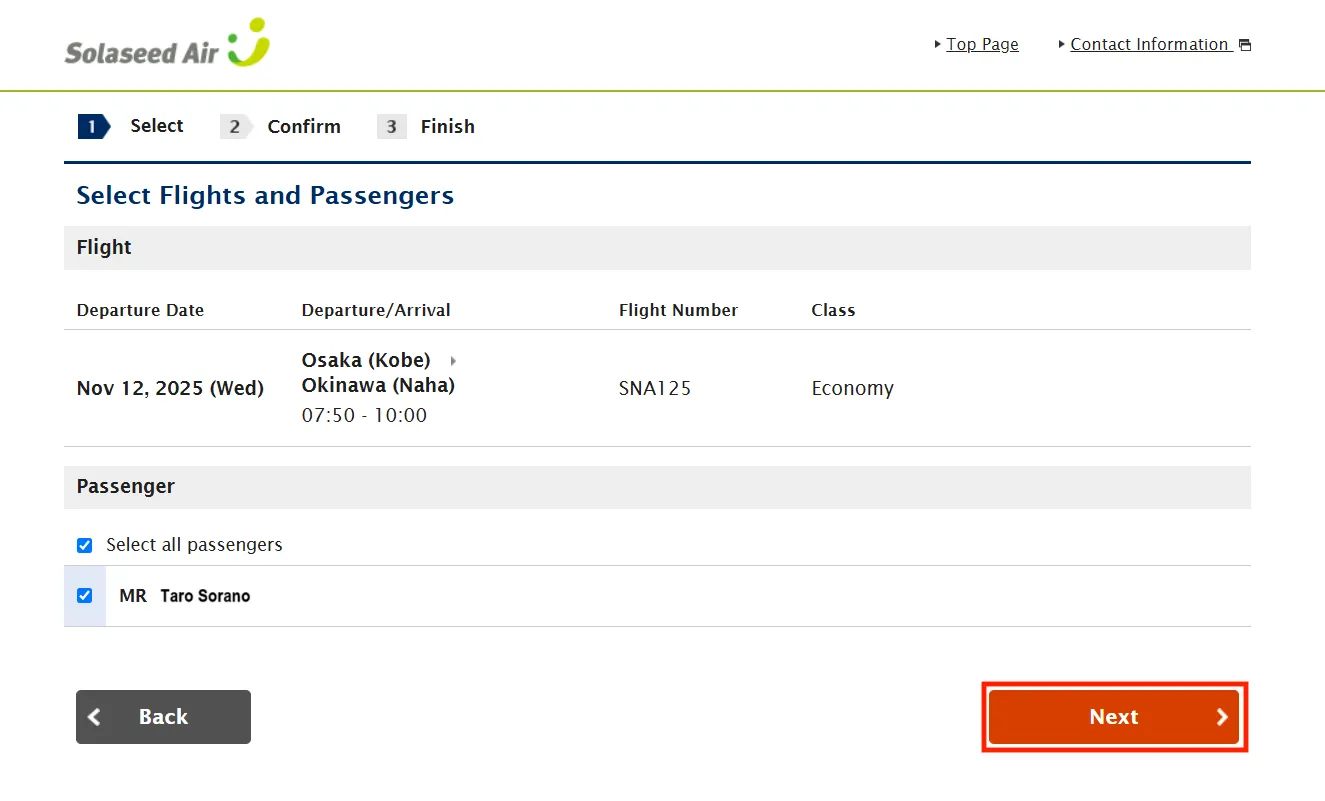
Select all the passengers who reserve or change the seat and click (tap) "Next".
STEP6
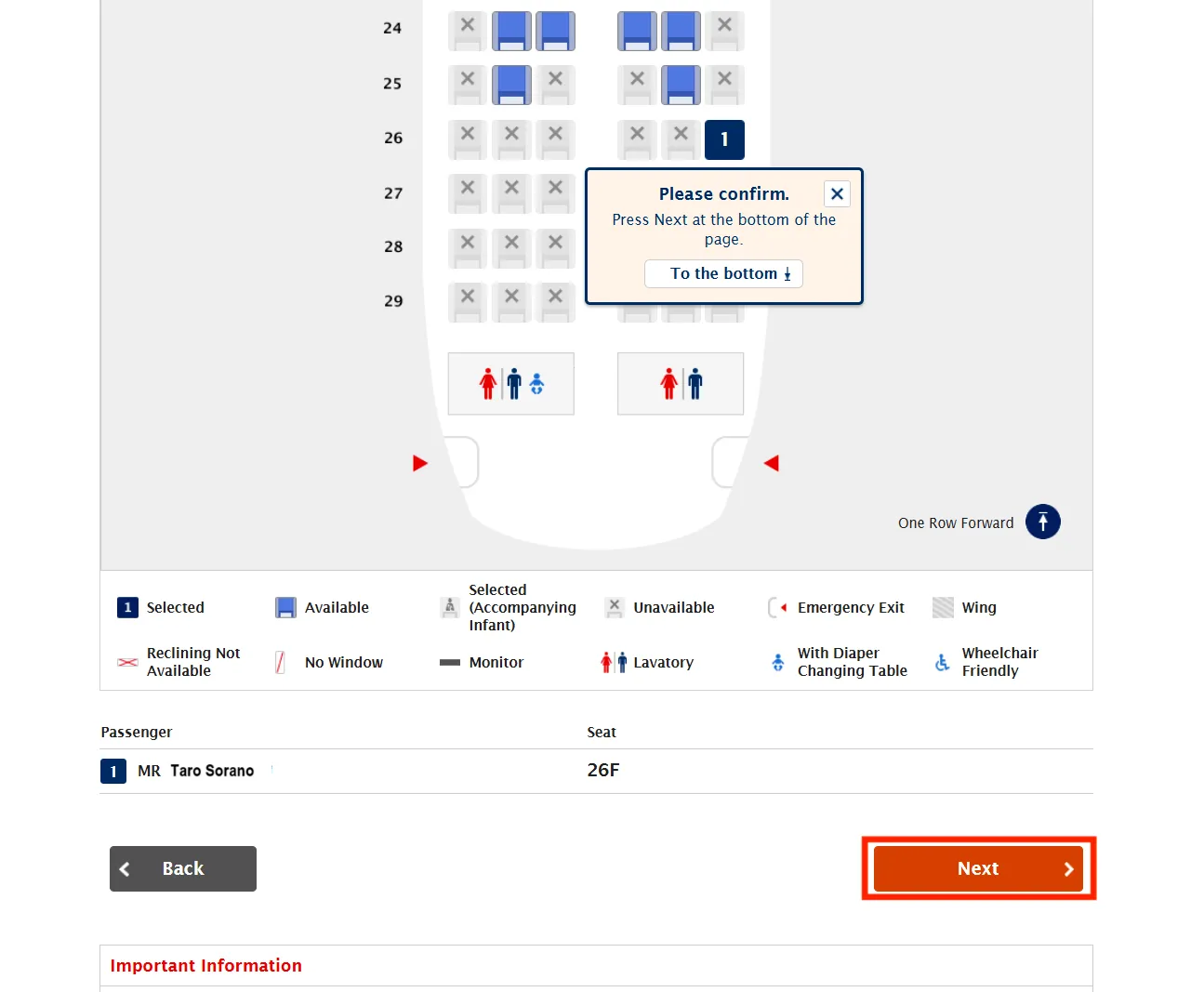
Select the seat you would like to reserve among the seats displayed in blue, and click (tap) "Next".
STEP7
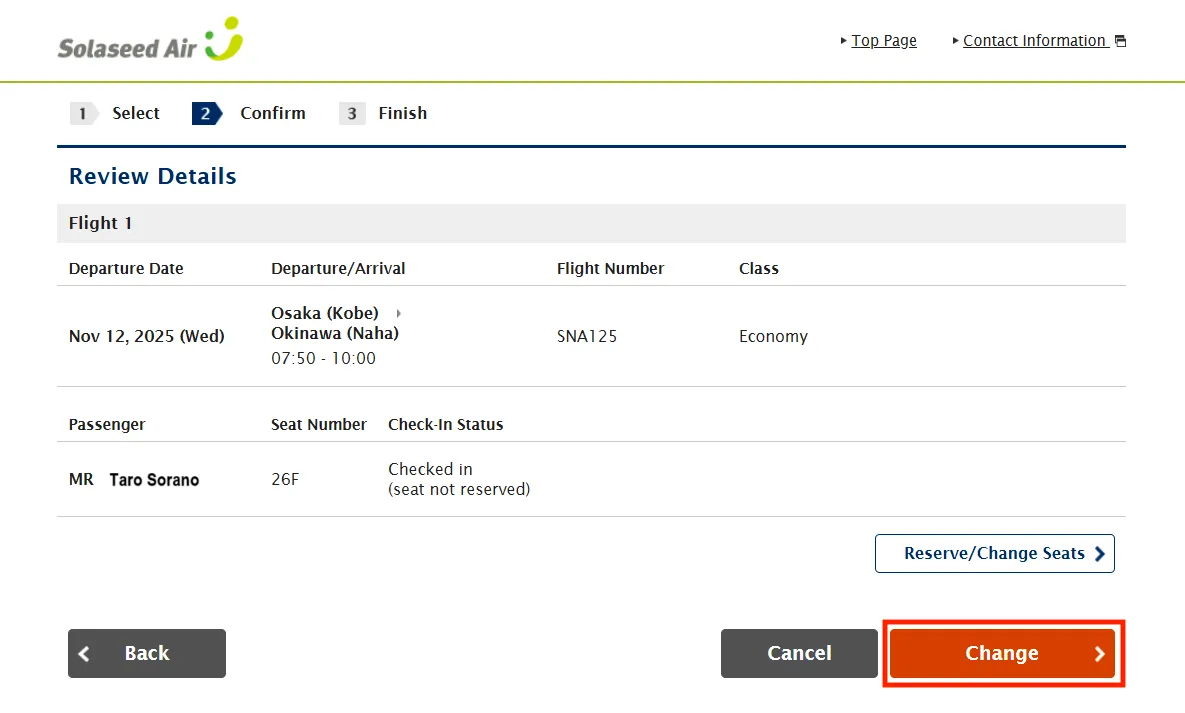
After confirming that the changed seat number is displayed, click (tap) "Change".
STEP8
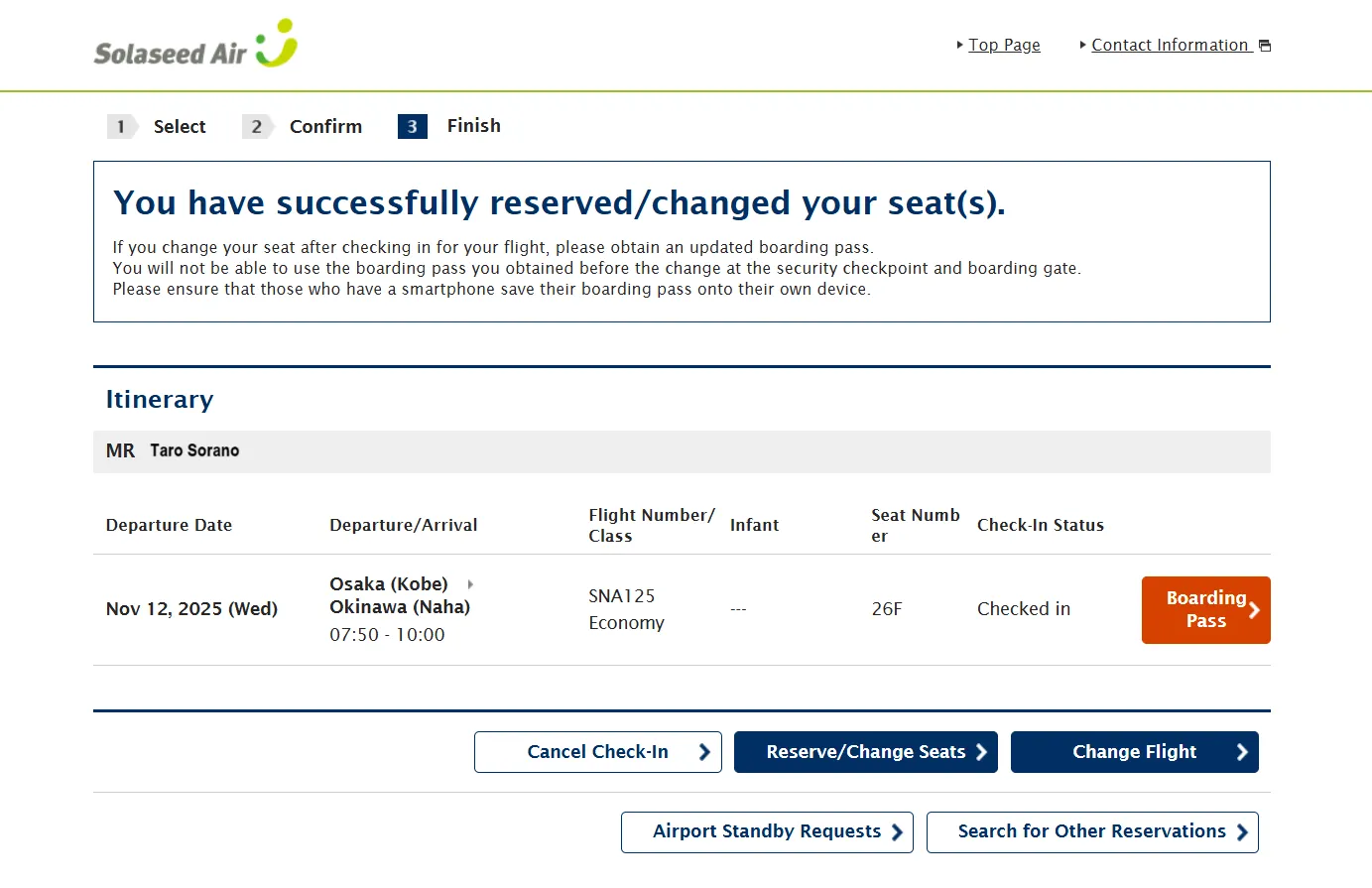
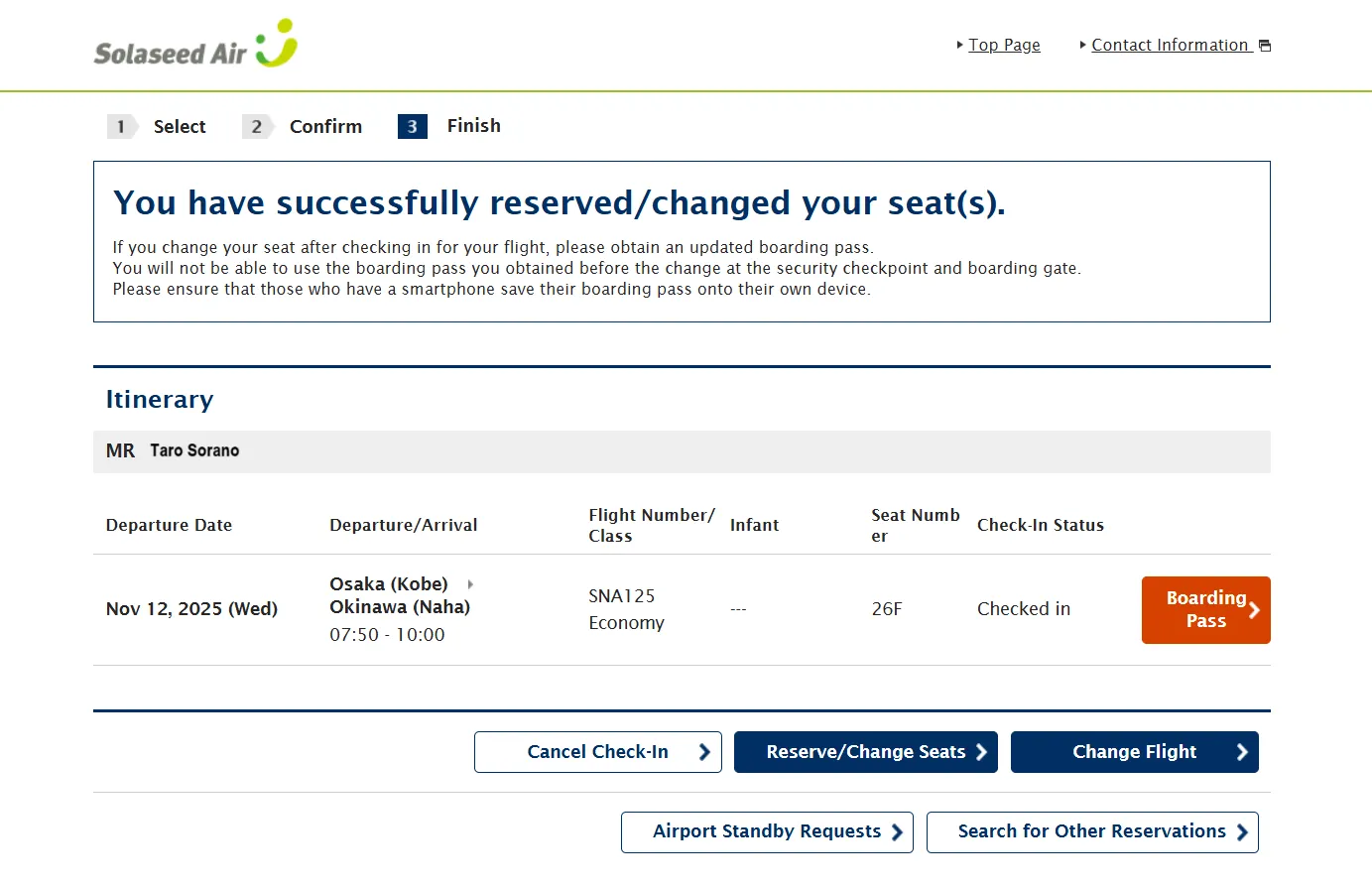
Seat reservation/change procedure completed.
- Re-acquisition of the boarding pass (2D barcode) is not required.
- If you would like the boarding pass (2D barcode) with description of the changed seat number, click (tap) "Display/Store Boarding Pass" to acquire the new boarding pass (2D barcode).