
Flow of Procedures to Change (Transfer) to Solaseed Air Flights
Please refer to the procedures below when changing (transferring) to Solaseed Air Flights.
Please search for your reservation using your Reservation Number or Ticket Number, and view the Reservation Details screen.
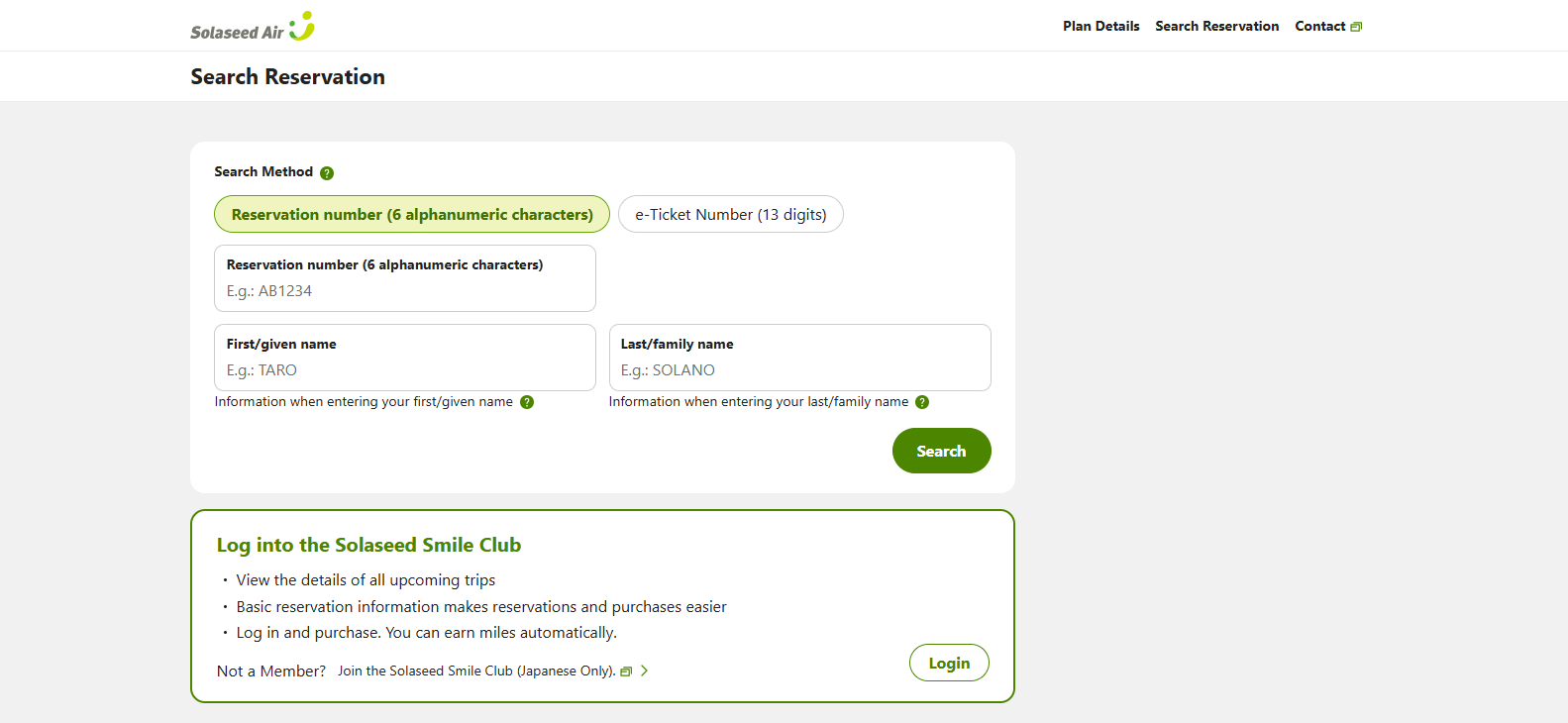
The procedure differs depending on the information displayed on the Reservation Details screen.
Please check the displayed details and select an option from below.
If an Alternative Flight Is Displayed


For Customers with Only the Canceled Reserved Flight Displayed
STEP1

Please click "You can select another flight." under "You reserved flight has been changed. See details for more information" in the top right corner of the screen.
Click here to change (rebook) your flight.
STEP2

Alternative flights will be displayed.
To change the displayed flight, please click "Next".
STEP3

Please select the departure date and click "Search".
STEP4

The Seat Availability screen will be displayed. Select an alternative flight from the list, and click "Next".
STEP5

Please read the Terms of Use and check the box if you agree, then click "Change".
STEP6

The confirmation screen will be displayed. Please click "Confirm".
STEP7

The confirmation screen will be displayed. Please click "Confirm".
STEP8

Your flight has been changed.
If the departure time of your new flight is within 24 hours, please proceed to online check-in.